
Uncategorized
M3U Playlist vs Xtream Codes Login: What’s the Difference?
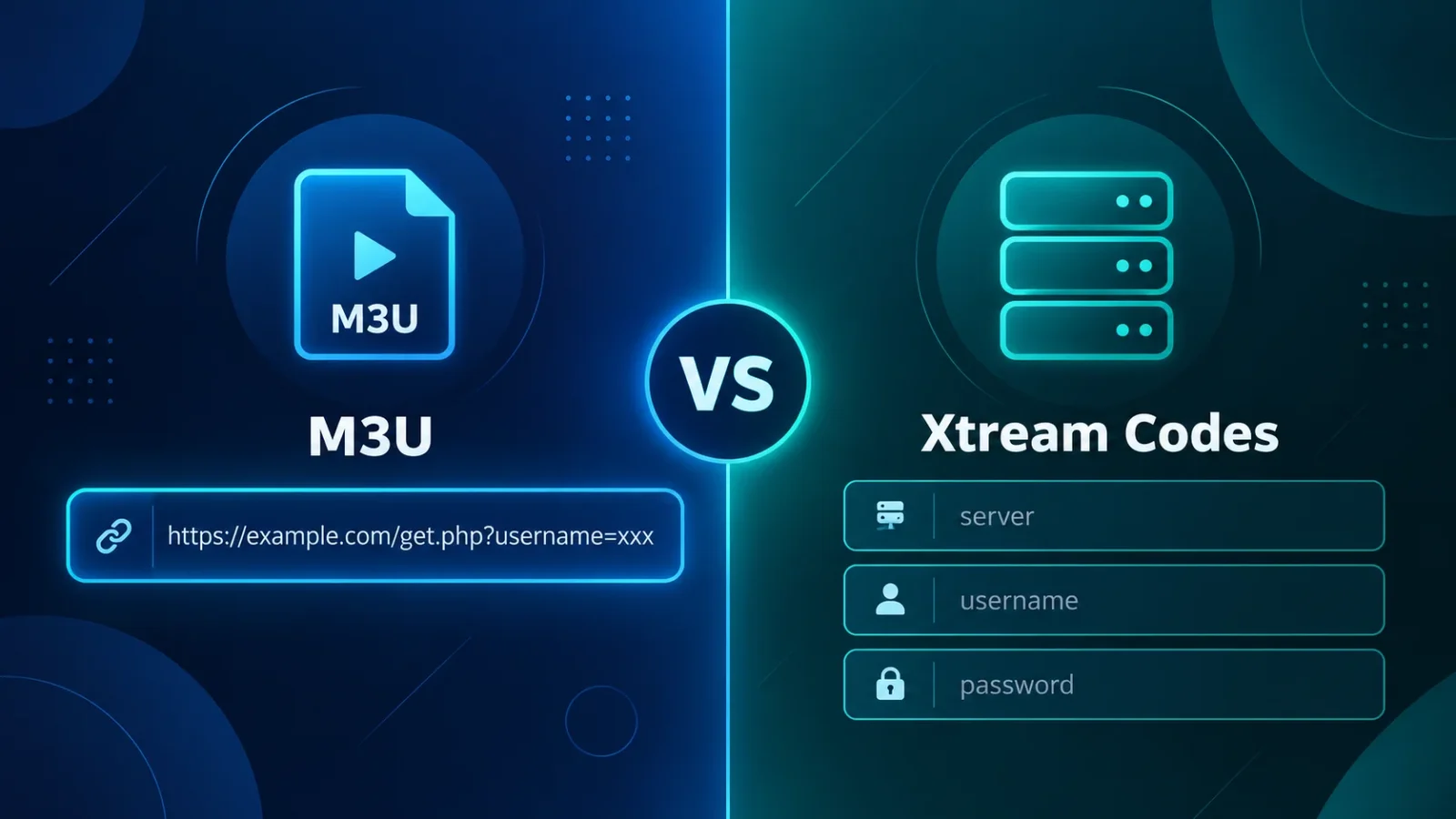
M3U Playlist vs Xtream Codes Login: What’s the Difference?
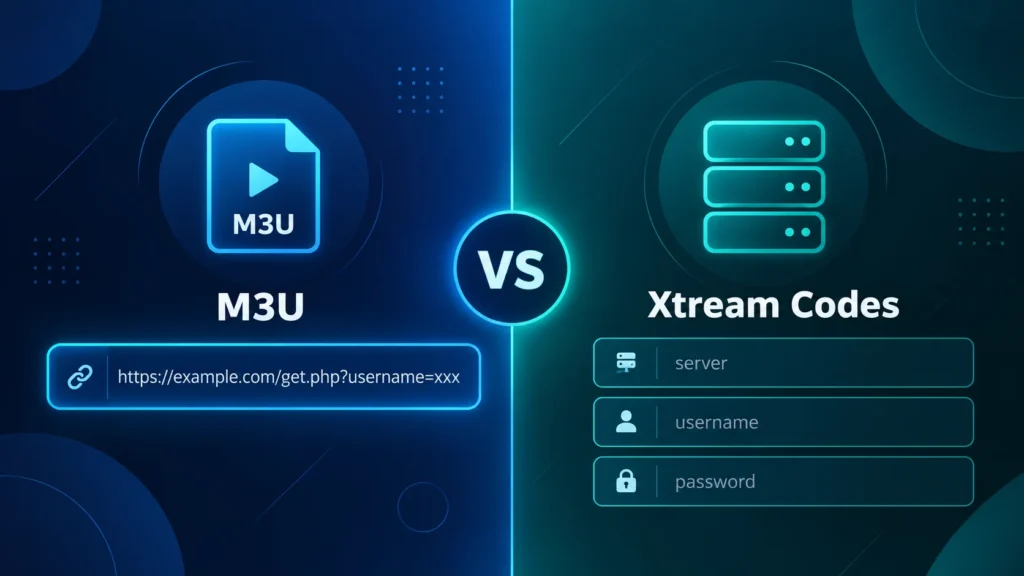
When you buy an IPTV subscription, you usually get your login in one of two forms: an M3U playlist link or an Xtream Codes login. Both give you access to the same channels, but they work in different ways. Understanding M3U vs Xtream Codes helps you pick the right option for your device and get a smoother experience.
In this guide, we explain both login types in simple words, compare them side by side, and show you which one to choose. New to IPTV? Start with What Is IPTV?
What Is an M3U Playlist?
An M3U playlist is a simple text file (or a link to one) that lists all your channels and their stream addresses. The M3U format has been used for audio and video playlists for many years.
How an M3U Link Looks
An M3U link is one long web address. It usually looks something like this:
http://server.example.com:8080/get.php?username=YOURNAME&password=YOURPASS&type=m3u_plus
You paste this whole link into your player, and the app downloads the list of channels.
What an M3U Playlist Contains
Each channel in the file has a name, a logo, a group (like News or Sports) and its stream address. Your player reads this list and shows it as a channel menu.
What Is an Xtream Codes Login?
An Xtream Codes login (also called Xtream Codes API) splits your access into three separate details:
- Server URL (for example:
http://server.example.com:8080) - Username
- Password
Instead of downloading one big list, the player connects directly to the server and asks for the content it needs: live channels, movies, series and the TV guide.
Why Players Like Xtream Codes
Because the app talks to the server directly, it can organize content into clear sections such as Live TV, Movies and Series, and load the TV guide automatically.
M3U vs Xtream Codes: Side-by-Side Comparison

| Feature | M3U Playlist | Xtream Codes Login |
|---|---|---|
| Login format | One long link | Server URL + username + password |
| Setup | Paste one link | Type three details |
| Movies & Series sections | Often mixed into one list | Separate, organized sections |
| TV guide (EPG) | Usually needs a separate EPG link | Loads automatically |
| Loading speed | Slower with very large lists | Faster, loads content as needed |
| Updates | May need manual refresh | Updates automatically |
| Works in VLC | Yes | No |
7 Key Differences Between M3U and Xtream Codes
1. How You Log In
M3U uses one link. Xtream Codes uses three separate fields. Both contain the same account details, just in a different shape.
2. Content Organization
With Xtream Codes, live TV, movies and series appear in separate menus. With M3U, everything can appear in one long list, depending on the player.
3. TV Guide (EPG)
Xtream Codes usually loads the electronic program guide by itself. With M3U, you often need to add a separate EPG link.
4. Speed with Large Libraries
Big subscriptions have thousands of channels and titles. An M3U file must download the full list, which can be slow on older devices. Xtream Codes loads content section by section, so it feels faster.
5. Automatic Updates
When new channels or movies are added, Xtream Codes shows them automatically. M3U playlists may need a manual refresh in your player.
6. App Compatibility
Almost every player supports M3U, including simple ones like VLC. Xtream Codes needs an IPTV player that supports it, such as IPTV Smarters or IPTVnator.
7. Catch-Up Support
Catch-up TV usually works best with Xtream Codes, because the player can request older programs directly from the server.
M3U vs Xtream Codes: Which One Should You Choose?
Choose Xtream Codes If…
- Your player supports it (most modern IPTV apps do)
- You want separate sections for Live TV, Movies and Series
- You want the TV guide and catch-up to work automatically
Choose M3U If…
- You’re using a simple player like VLC
- Your app does not support Xtream Codes
- You only want to test your subscription quickly
Our recommendation: Use Xtream Codes whenever your app supports it. Keep the M3U link as a backup for quick testing.
How to Use Each Login on Your Device
The steps depend on your device. Follow our step-by-step guides:
- How to Install IPTV on an Android Phone
- How to Set Up IPTV on iPhone and iPad
- How to Set Up IPTV on PC and Mac
- How to Set Up IPTV on Firestick
- How to Set Up IPTV on Smart TV
You can also see everything in one place in our Installation Guide.
Keep Your Login Details Safe
Both M3U links and Xtream Codes logins include your username and password. Anyone who has them can use your connections.
- Never share your M3U link or login details publicly.
- Don’t post screenshots that show your server, username or password.
- If you think someone else is using your account, contact our customer support team.
Common Problems and Quick Fixes
“Invalid Login” with Xtream Codes
Check the server URL carefully. It must include http:// and the port number (for example :8080) if your provider gave one. Usernames and passwords are case-sensitive.
M3U Playlist Takes Forever to Load
Large playlists can be slow on older devices. Switch to Xtream Codes, or wait for the first load to finish. Later loads are usually faster.
TV Guide Is Empty with M3U
Add the EPG link your provider sent you in the player settings, then refresh the guide.
Frequently Asked Questions
Do M3U and Xtream Codes give access to the same channels?
Yes. Both use the same account, so you get the same channels, movies and series. Only the way the app loads them is different.
Can I convert an Xtream Codes login to an M3U link?
Usually yes. Your server, username and password are already inside the M3U link. Ask our support team, and we can send you both formats.
Which login is better for Firestick and Smart TVs?
Xtream Codes is usually better, because it loads faster and organizes content clearly on the TV screen.
Does using M3U or Xtream Codes count as two connections?
No. Connections are counted by how many devices stream at the same time, not by the login type.
Find more answers on our IPTV FAQ page.
Conclusion: M3U vs Xtream Codes Made Simple
The M3U vs Xtream Codes choice is easy once you know the difference. M3U is one simple link that works almost everywhere. Xtream Codes is faster, better organized and loads the TV guide automatically. For most people, Xtream Codes is the better choice.
With a Marinios IPTV subscription, our team sends you the login details your device needs. Choose your plan and we’ll help you set it up on WhatsApp.
One comment